LM Studio Bionic Adds Remote Agent Control Across Your Own Devices
LM Studio's November 16 2026 update lets users turn any laptop, PC, dev box or cloud VM into an agent host and control its projects and sessions from other machines they own.…
- Install Bionic or the headless llmster daemon on a target machine, enable remote agent control, and manage its projects and running sessions from your main device.
- Choose a remote machine when creating a project or type @ in the composer to dispatch work to it; the agent runs on the chosen hardware while you stay on your preferred computer.
- Long-running tasks continue on the remote device even if you close your laptop, with live updates and the ability to resume any session later.
What Changed Today
On November 16 2026 the LM Studio team released remote agent control in Bionic. Each machine you own decides whether other devices can control its agent sessions.
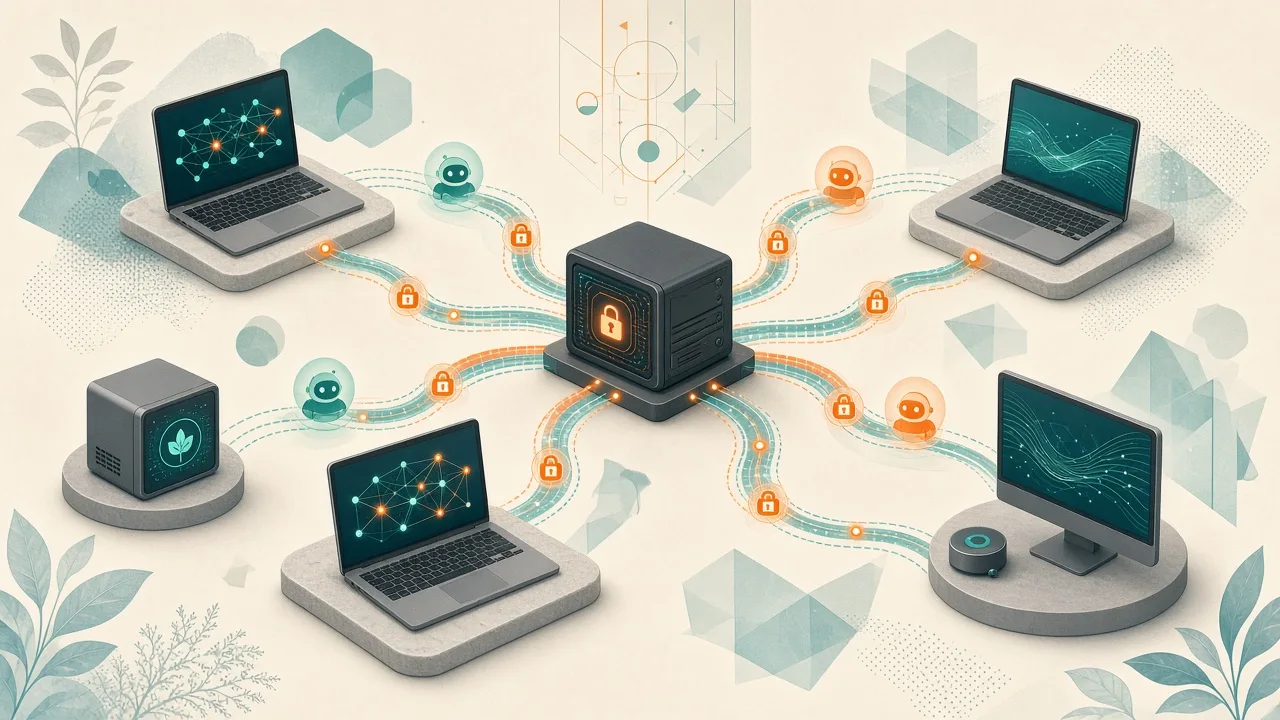
The feature builds on LM Link, their end-to-end encrypted transport developed with Tailscale. Projects, chats and agent sessions now travel securely between devices you control instead of staying tied to one computer.
How to Set It Up and Use It
Install Bionic on the machine you want to control. On headless systems use the llmster daemon. Open the sidebar, click Remote control and turn on Allow remote agent control.
From your working device go to Settings > Devices > Remote Machines, create a device network if needed, and add the target machines. When starting a project you can pick any online machine listed under Remote machines.
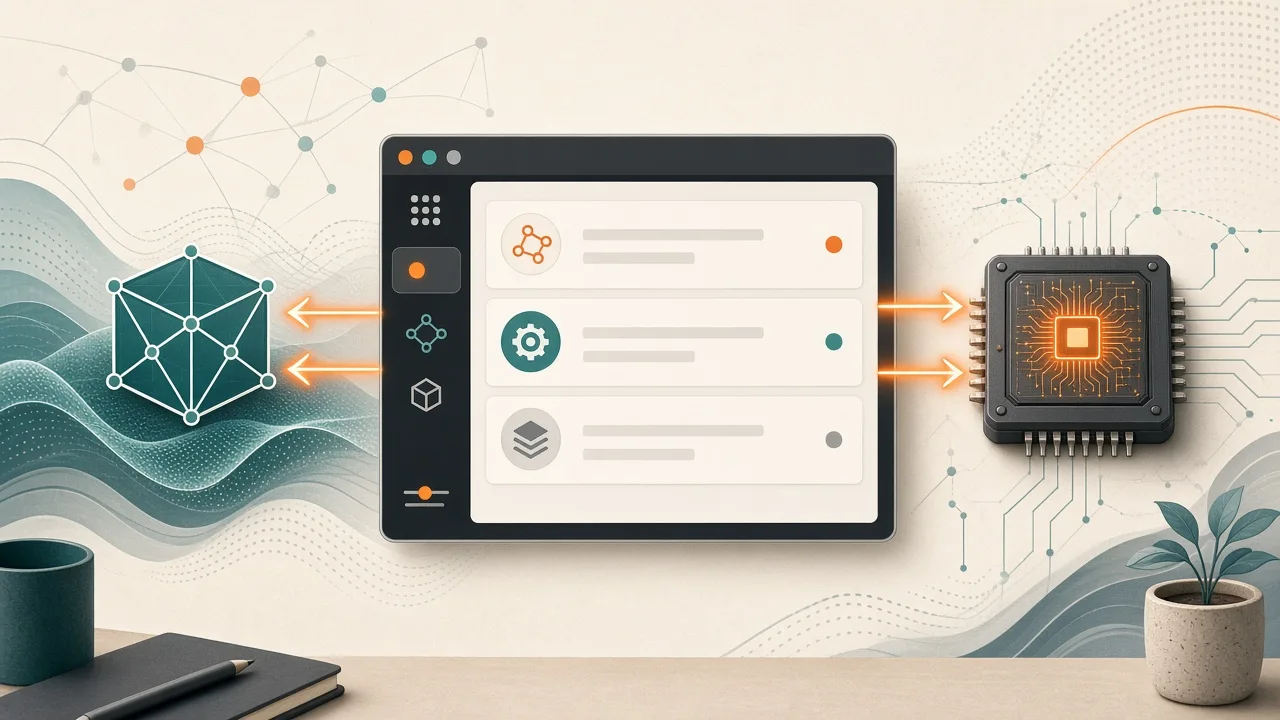
Inside a session type @ in the composer to hand work to another device. The remote machine receives the instruction, starts its own session, and the UI updates in real time as the agent works.
Practical Benefits for Local AI Users
Cross-platform development becomes simpler: run agents directly on a Windows or Linux target while you work from a Mac. Long tasks such as performance optimization or builds can keep running on a dedicated machine after you close your laptop.
Heavy workloads that would heat up or slow your daily driver can be sent to a separate dev box or VM. Everything remains under your ownership with no third-party servers holding the data.
The remote machine must stay online and running Bionic or llmster. Each device independently controls whether it accepts remote sessions.
Why it matters for uncensored AI
Our analysis: This update gives users more practical control over where their local AI agents execute. Because sessions run on hardware you own and move only over LM Link between your own devices, it strengthens private, user-controlled deployment options for local AI workflows.
People who run custom or less-restricted models locally gain the ability to distribute agent work across their machines without handing projects to external services. The source shows this is limited to devices you already control and depends on each machine's permission setting.